Overview
A macro keypad with several 3x3 keyswitch buttons that utilize an Arduino Pro Micro to extend the functionality of my main keyboard. My primary focus was to add convenient shortcuts for tools that I regularly use.
Problem
Whenever I flipped my laptop into tablet mode, accessing quick shortcuts using a keyboard was no longer simple. Along with the need to use these shortcuts repetitively for school such as copying between documents, I decided to create this project to ease repetitive manual tasks.
Implementation
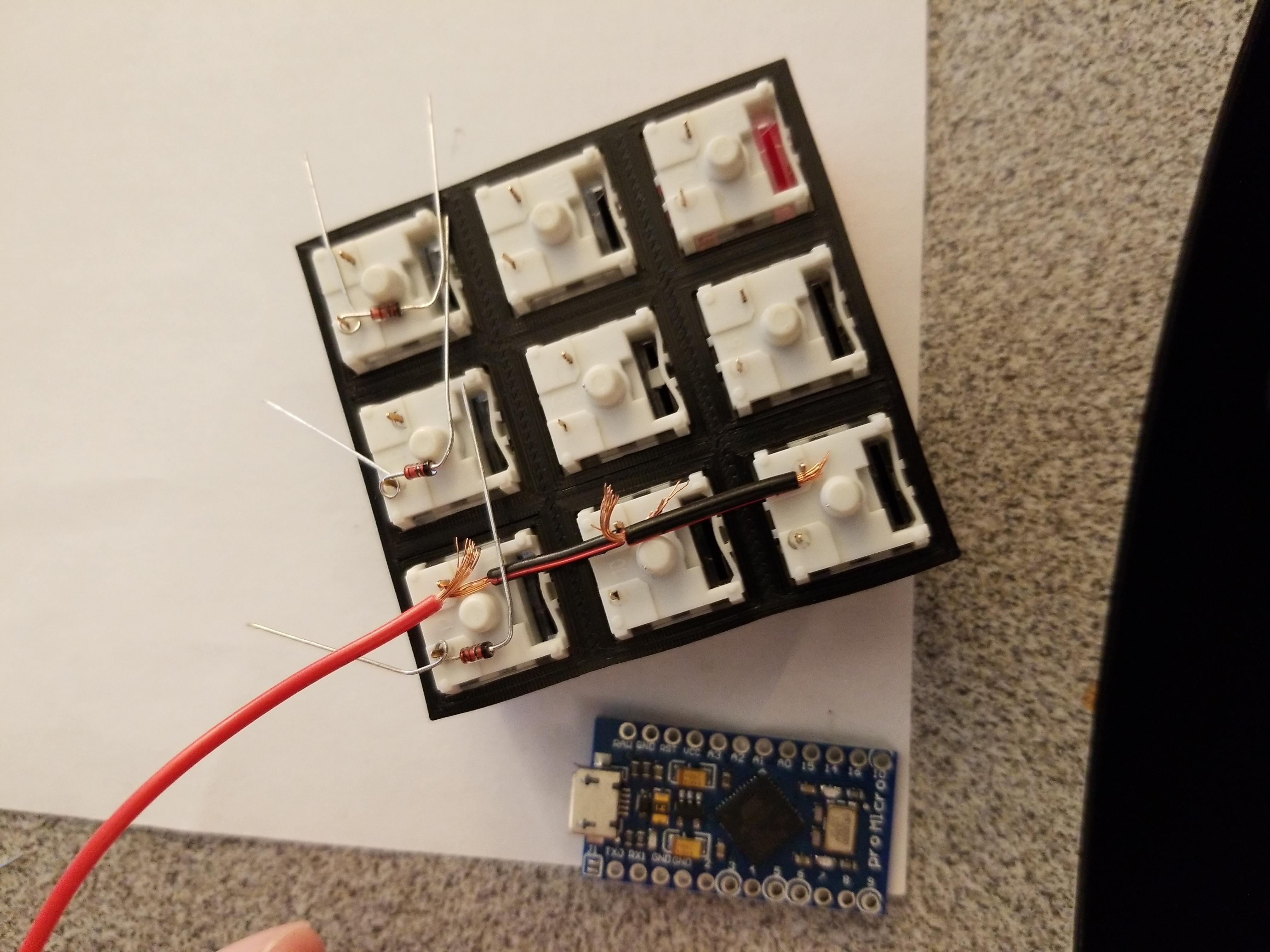
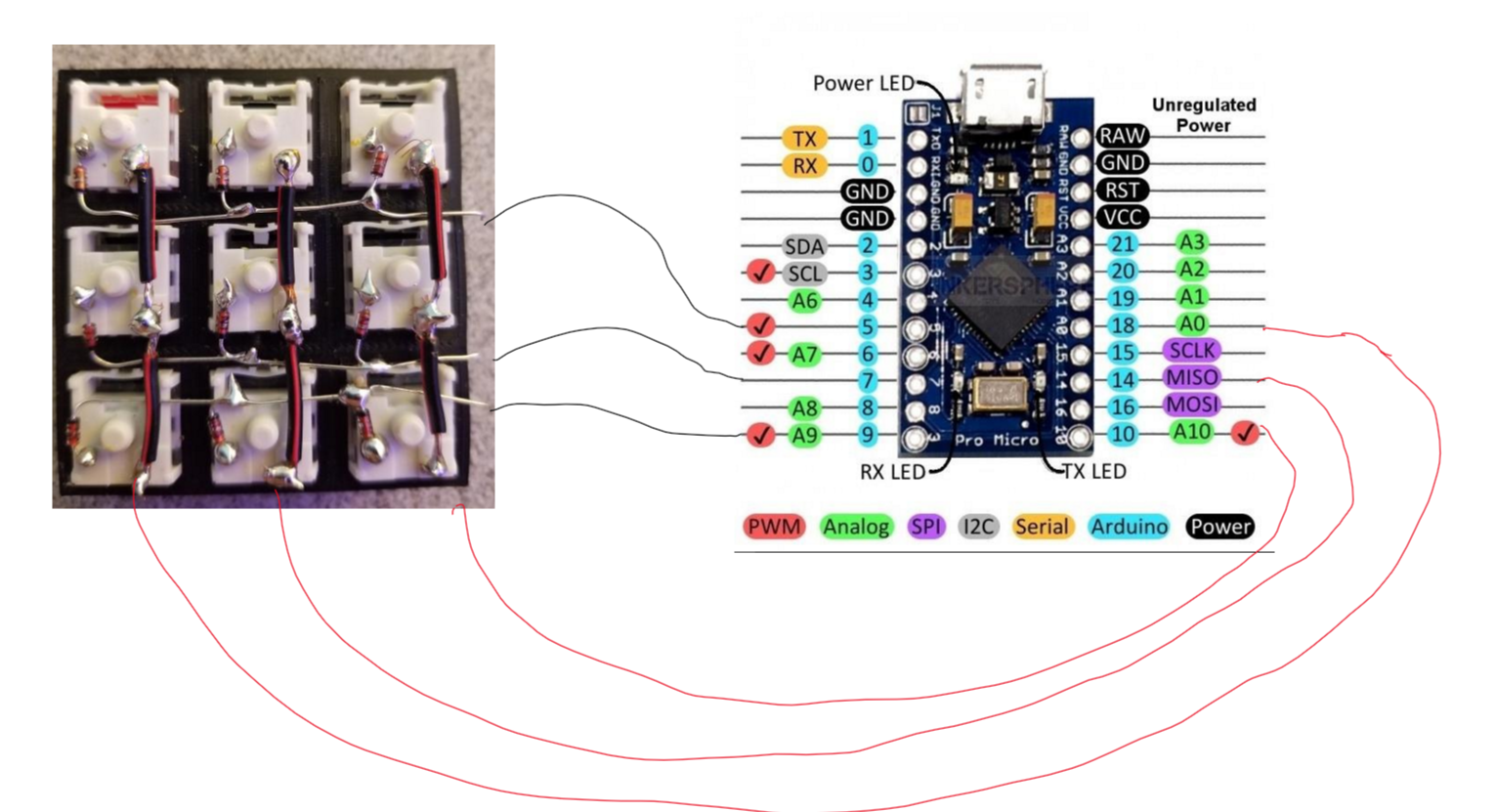
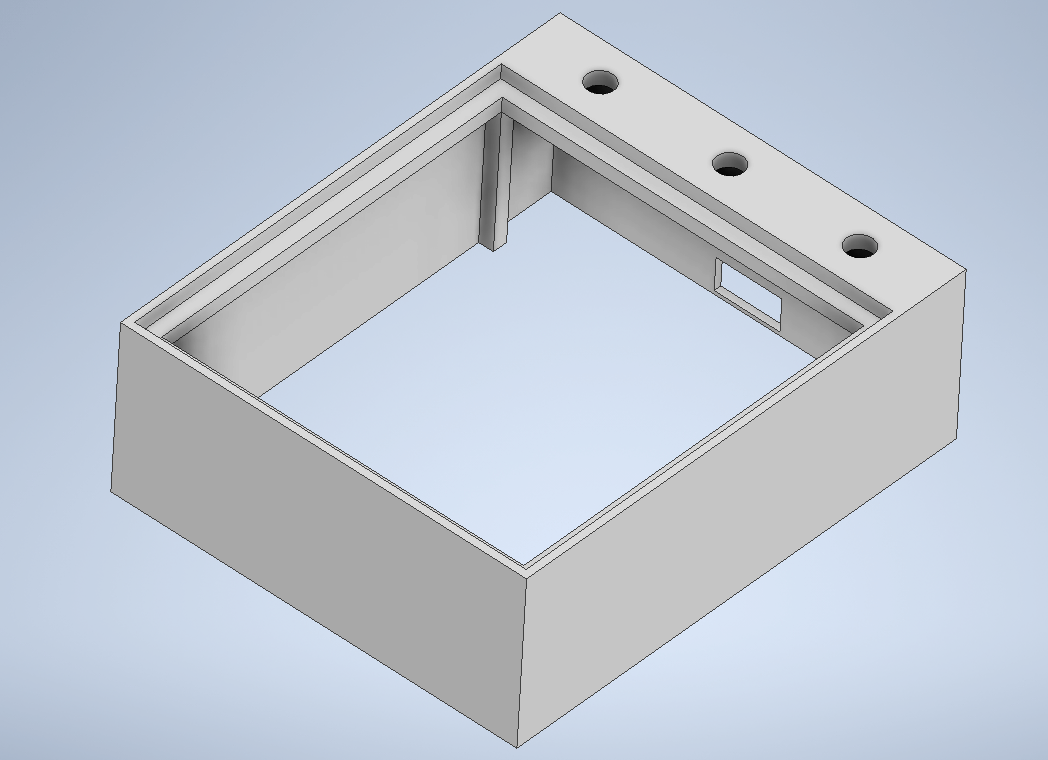
I initially started by 3D printing several main components of this project. Reusing 3D printed keycaps from a .stl file on the web, I started to develop a framework for the main body.
I took this opportunity to solder a device for the first time rather than buying a more expensive PCB board. I first created three rows of diodes which were connected to one of the two pins. For efficiency, I connected the diode wires to each other directly rather than connecting them by wire.
I had to calculate simple circuitry values such as what voltage my LEDs would use and the strength of their resistors. This was done using Ohm’s Law. Once the light emitting diodes and resistors were soldered together, I connected them to my Arduino.
In terms of code, I simply used the keyboard.h library package, and sorted different sets (1-9) in an array. The package allowed us to effectively read the matrix of keyswitch inputs.
The entire project took about a weeks worth of time. Day 1-3: Designing, modelling, and 3D printing. Day 3-4: Soldering the circuit matrix. Day 4-5: Researching and adding LED functionality. Day 6: Programming the shortcuts. Day 7: Testing and bottom panels.
Results
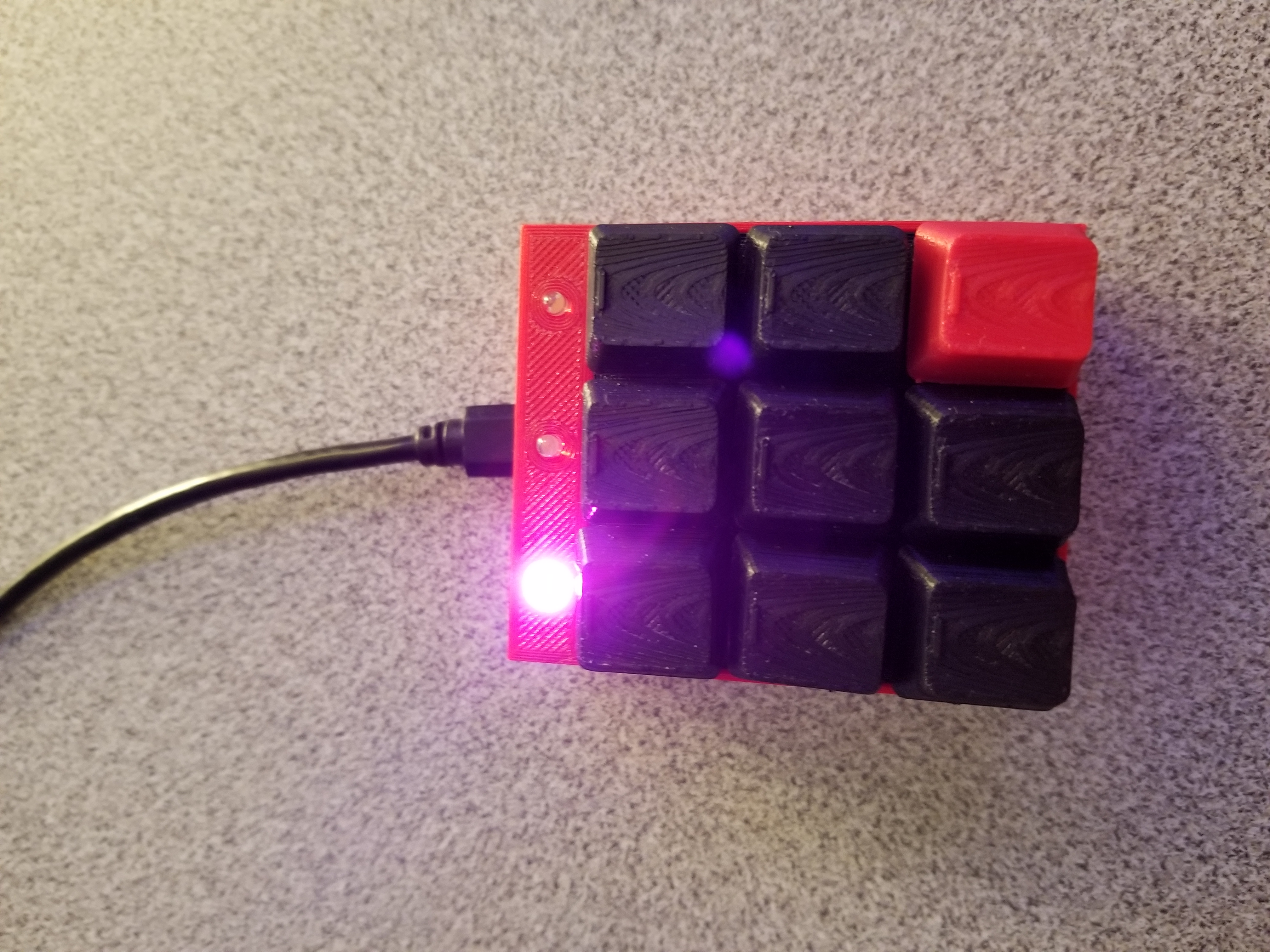
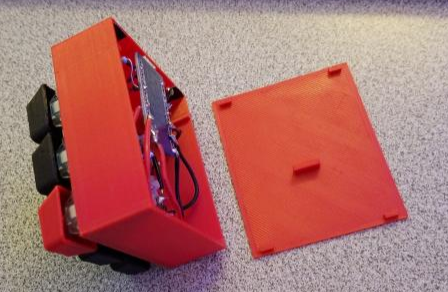
I was able to produce a functional macro keypad using several disciplines of engineering. I used CAD to develop the main structure, programmed an Arduino using C++, and interconnected the embedded system with the key switches using circuitry. I now have a neat device with 9 different pages with customizable shortcuts.